
1
Name, plan and version

- FREE / PLUS:
- Your plan. Click it to enter a Plus license key. After activation it shows Plus with a check mark.
- Version number:
- Click it to check whether a newer version of the app is available.
Guide
You do not need any DJ skills. Choose a folder with your music and the app does the rest. This guide shows how to start, and what every part of the screen does.
Download free for WindowsQuick start
On the first screen, pick the Music or Downloads folder the app found on your PC, or click "Choose a folder..." and select the folder where your songs are. Folders inside it are included, and external or network drives work too. You choose folders, not single songs: to play only certain songs, first make a new folder, put those songs in it, then choose that folder in the app. The app plays MP3, WAV, FLAC, APE, M4A, OGG, Opus and AAC files between 1:30 and 30 minutes long. If it says no playable tracks were found, choose the folder one level higher, the one that really contains your songs.
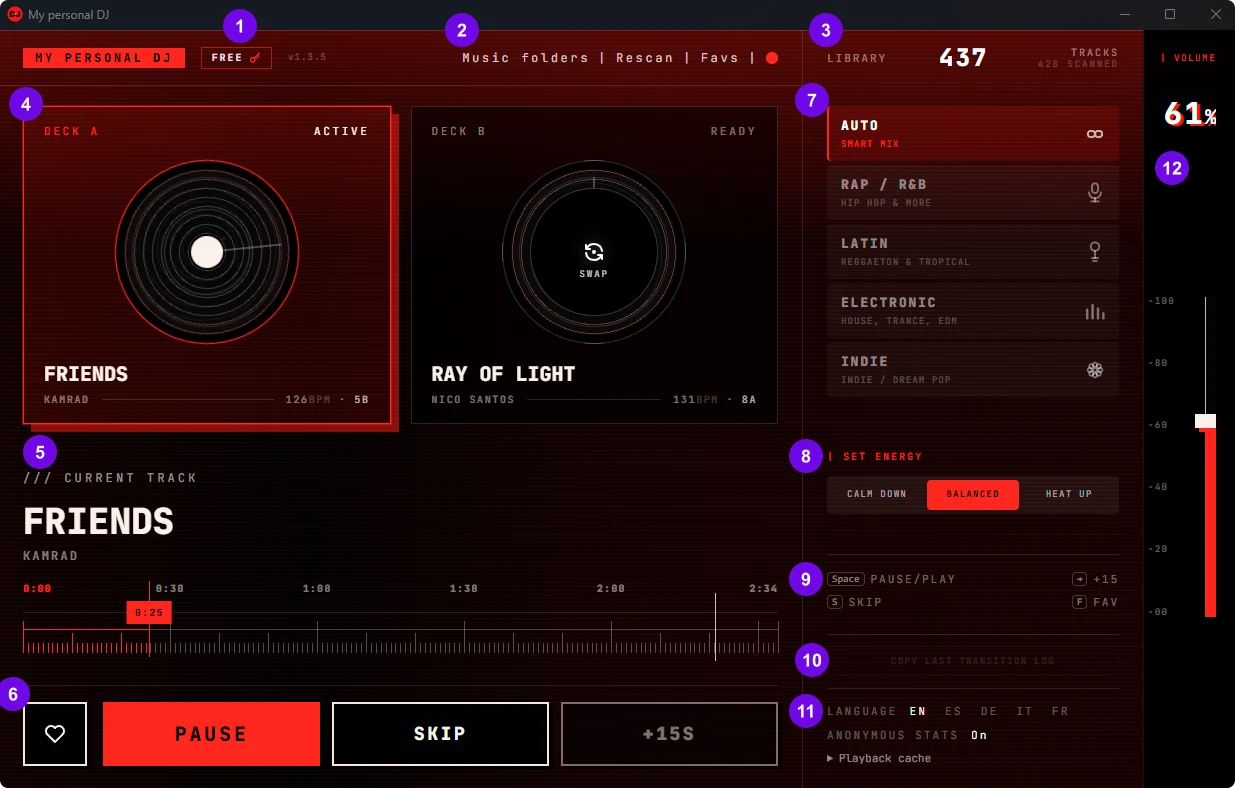
After a short scan the first track plays automatically. There is nothing to set up and no playlist to build. Deck A plays the current track, and deck B already holds the next one.
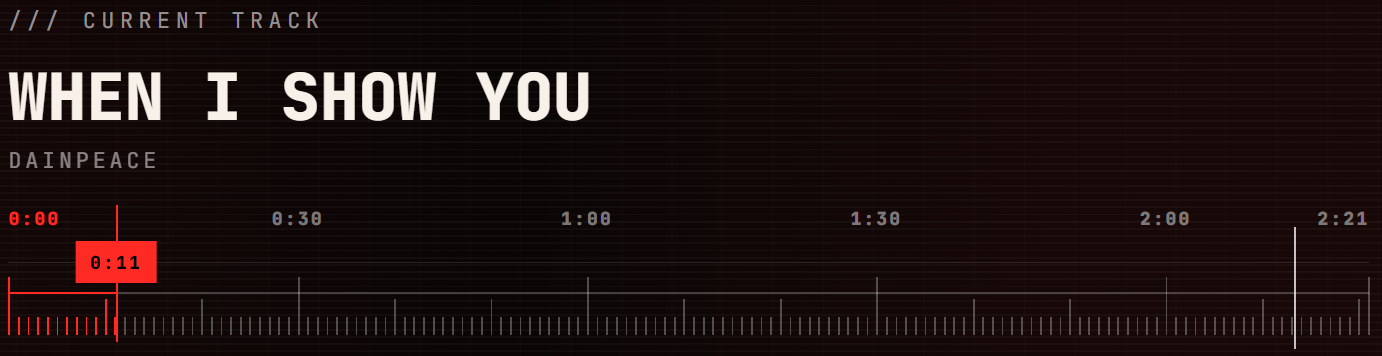
The first mix happens near the end of the current track: the white line on the timeline shows where it starts. Then the next song fades in over the end of the current one, with no gap. Do not want to wait? Press Skip to move to the next track now (it works from 15 seconds into a track).
The screen
The numbers match the sections below: click one to jump to its explanation. Most of the time you only need the big buttons at the bottom: the app picks the tracks and mixes them on its own.
Every control
Twelve areas, in the order of the numbers on the screen above.

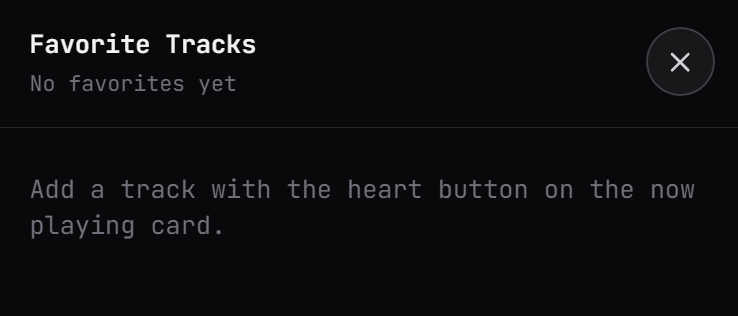
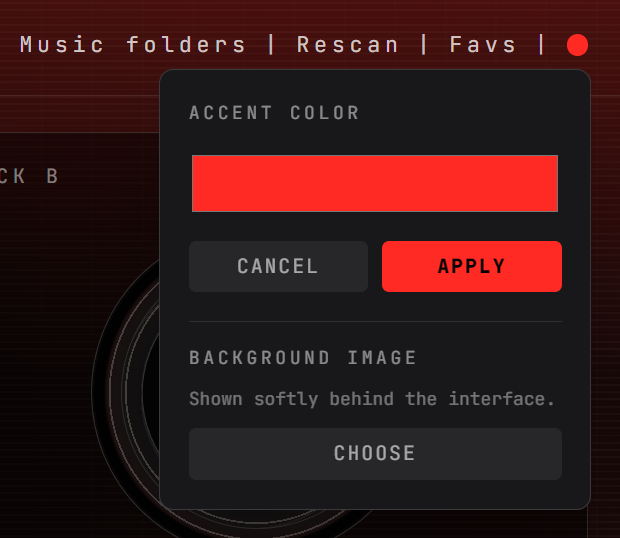

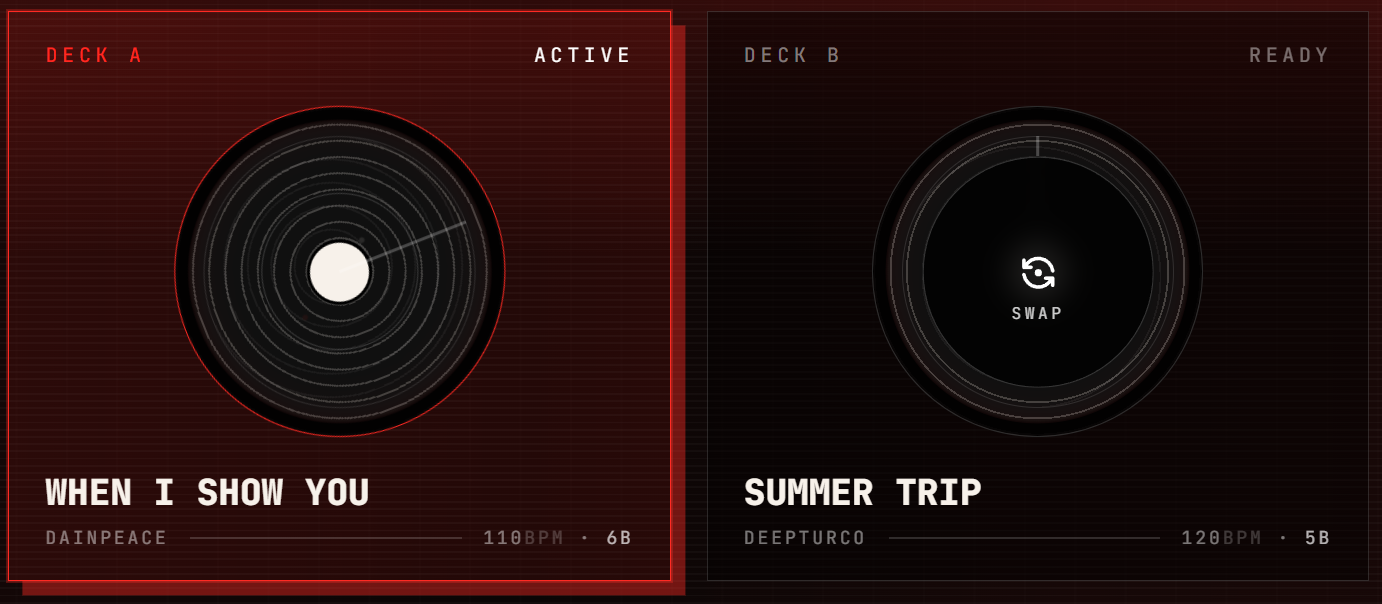
Like a real DJ, the app uses two decks. One plays, the other waits with the next track. During a mix you hear both.

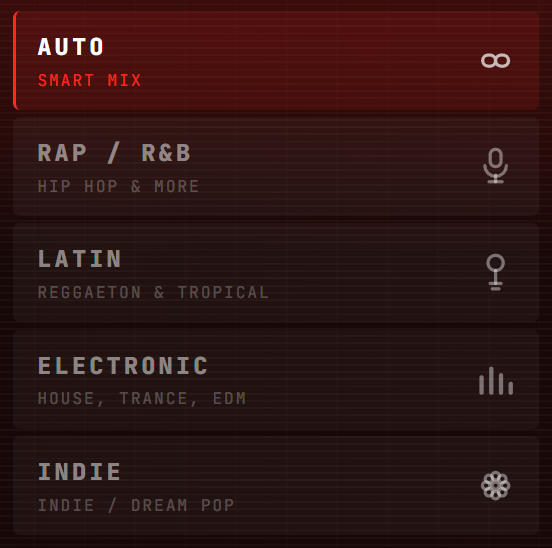
Choose the mode that fits your music. If you are not sure, keep Auto.



Common questions
The folder you chose has no songs the app can play. Choose the folder that really contains your music files (folders inside it are included), make sure an external drive is connected, then use Rescan. Files must be MP3, WAV, FLAC, APE, M4A, OGG, Opus or AAC, between 1:30 and 30 minutes long.
Near the end of the first track, where the white line on the timeline is. To hear one sooner, press Skip.
No. Choose your music folder and press nothing else: Auto mode picks the tracks and mixes them for you. Everything else on the screen is optional.
Hold the mouse over a grey button to see why. Most often a mix is playing: the buttons wait until it is finished, so the mix is not cut. +15s also stays grey for the first three mixes of a session, and Skip works from 15 seconds into a track.
Write to us and describe what you see. A screenshot helps. We answer every email.
Email supportReady to hear your own music mixed?
Download free for Windows